This was a design for a continuous integration service called Bamboo. We used this application to run our nightly builds.
I was given an internal application written in WPF from a developer who needed me to design and code the UI. Below two screenshots of what was given to me before the re-design.
Original application design
I have experienced this scenario many times in my career. A developer hands me an application that is buttons dragged and dropped on the page and my task is to turn it into a functional design. Below you will see two images of what the original application looked like when handed to me.
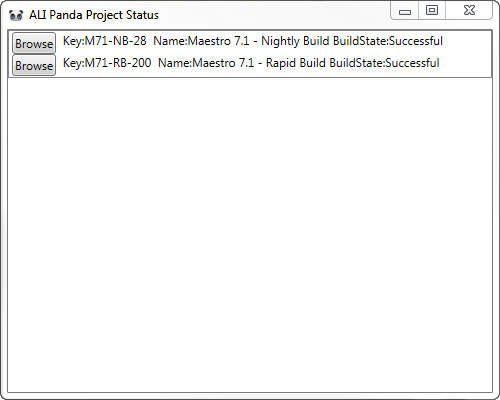
Home Screen 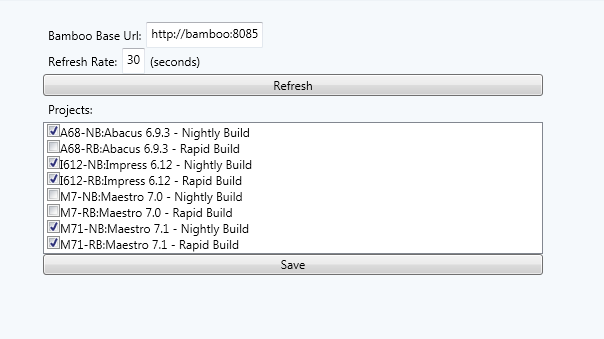
Configuration Screen
Re-design
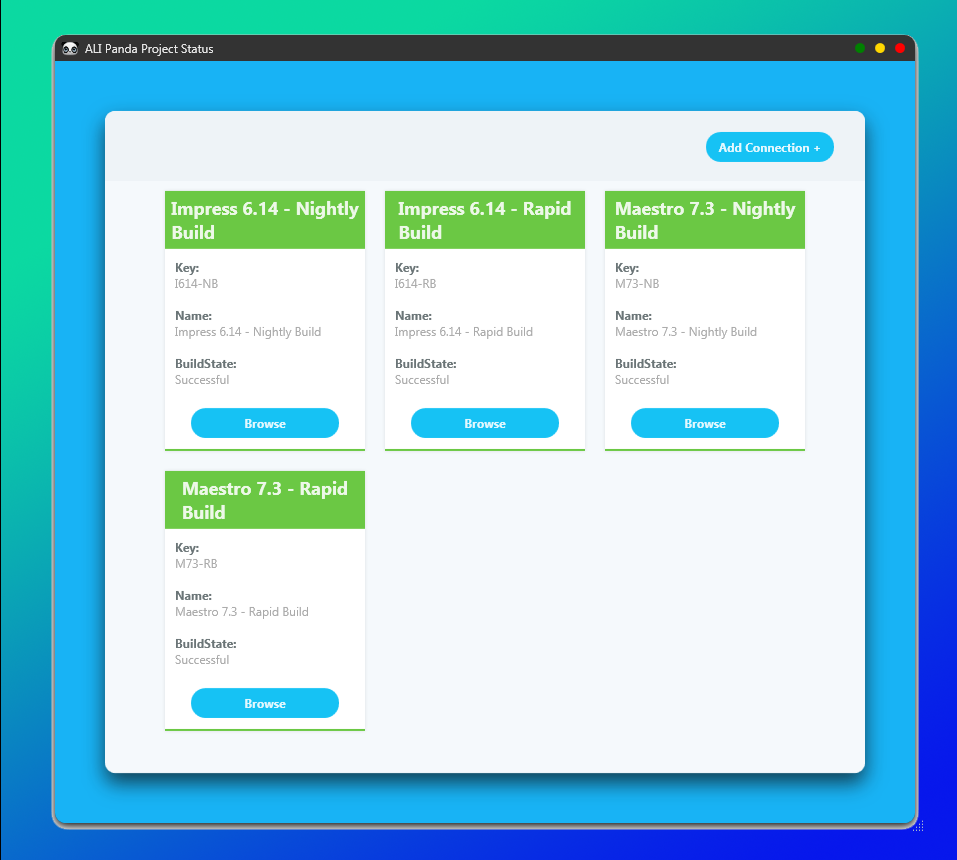
For the home screen design I extracted the details of each row into a card. Clearly separated each section of information so it is easily readable on the card. I also extracted the status text and displayed that as a color. Red for error, yellow for pending and green for success. I wanted the user’s eye to be instantly drawn to the errors so they know what unit test to go fix. In the original design the user would have to scan all build data before determining which ones had errors.

Home Screen – Pending Build 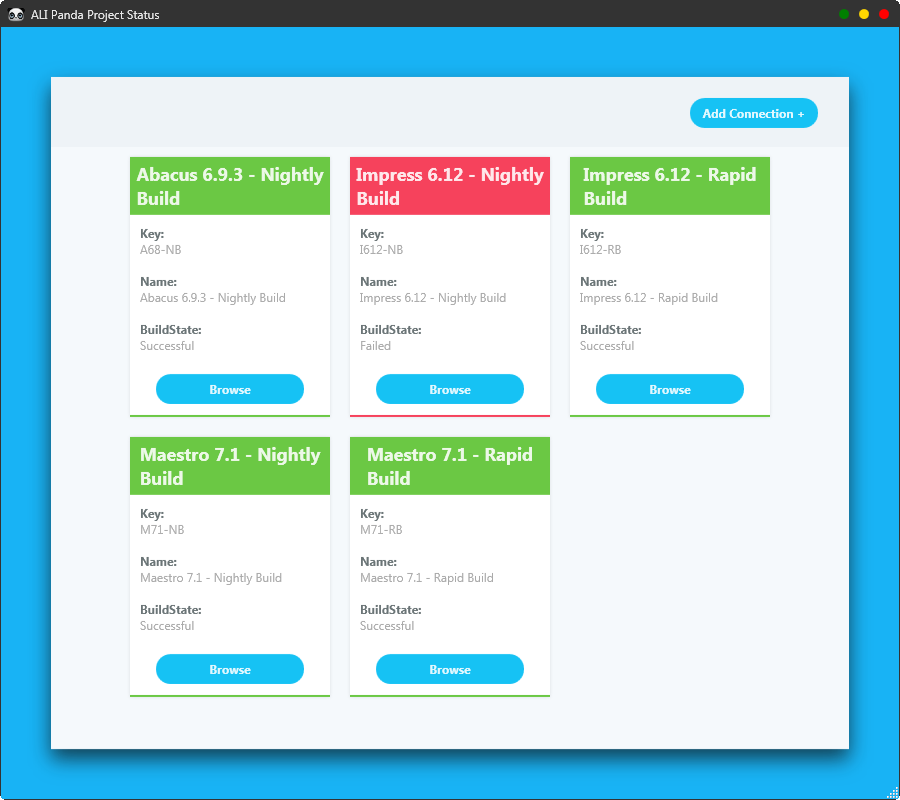
Home Screen – Failed Build 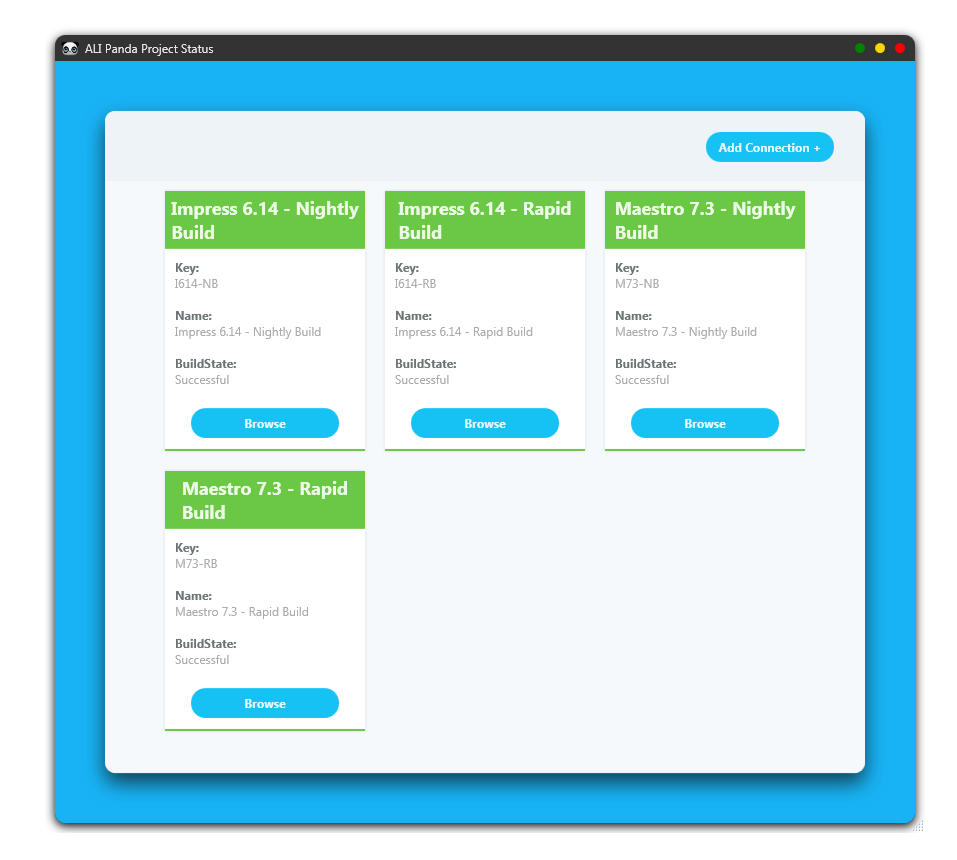
Home Screen – Successful Build
For the configuration screen design I clearly separated each part of the screen and gave a header so the user can see what they are looking for. I also added bright colors to make the button actions stand out.

Configuration Screen